
Make it easy to leave a review.
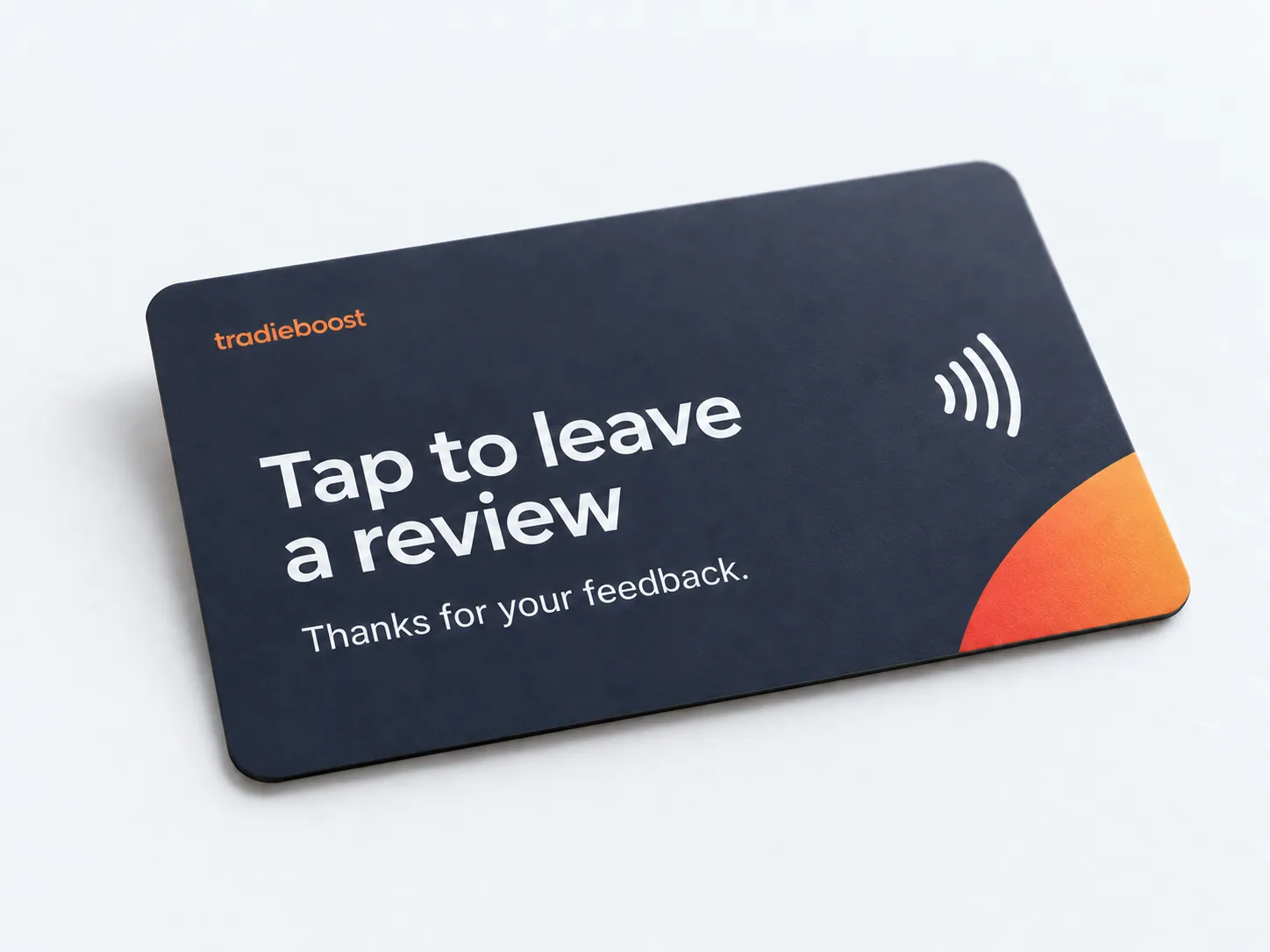
Ask at the end of the job, or send a review link afterwards. We provide the tap-to-review card and set up the follow-up messages.
Card and review requests included with your CRM at every level.
Two easy ways
to ask for a review.
Make it part of wrapping up the work, whether you’re with the customer or following up afterwards.
A tap while you’re there
Keep the card in your ute and bring it out at the end of a job. The customer taps it with a compatible phone to open your review page and leave their feedback.
A message after the job
Send a short invitation with your review link once the work is complete. We set up the wording and timing with you, so asking doesn’t depend on remembering every time.
Your review link.
Your way of asking.
We connect the card and messages to your review page, agree when requests go out and show you how to use them.
See the full CRMDoes the customer have to use the card?
No. They can use the link in your follow-up message instead. Both take them to your public review page, where they write and submit their own review.
Does everyone get the same review link?
Yes. Every customer gets the same opportunity to leave an honest public review. Private feedback can be offered separately to everyone, without changing access to the review page.
Can I choose when the request goes out?
Yes. We agree the timing around your service and how a completed job starts the request. The message should arrive after the customer has had a chance to experience your work.
Can the message sound like my business?
Yes. We write the invitation with you and confirm it before it goes live. We also agree the delivery channel and explain any SMS or other usage charges.